To reply to a negative Google review, start by replying from your verified Google Business profile within the first 24 hours. Greet by review name, understand and acknowledge the experience, apologise politely, own the issue without accepting legal fault, thank them, invite them to continue offline, and close with another greeting.
That is the simple method in one breath. Try to keep your reply specific and concise, since your potential customers will also read the review to decide whether to trust you. Stay calm and do not get excited while writing a review. This guide will give you exactly what to do, when to do it, and how to do it with copy-ready templates.
First, don’t panic: what one bad review actually does.
One negative Google review will not destroy your business. You can transform this negative experience into a positive one for this customer as well as future customers. It depends on how you handle the situation and reply to the review. So do not panic at all. Yes, a one-star rating will lower your average for sure, but a specific, calm reply will act as proof that you care about the customer.
Two things to know here. First, it is nearly impossible to delete or remove a negative review just because you disagree with it. Yes, you can flag reviews that violate Google’s policy, and Google decides whether to remove it or not. Second, you must reply to the review since silence is not neutral, and not replying means you have nothing to say. 41% of consumers trust a business that replies to every review.
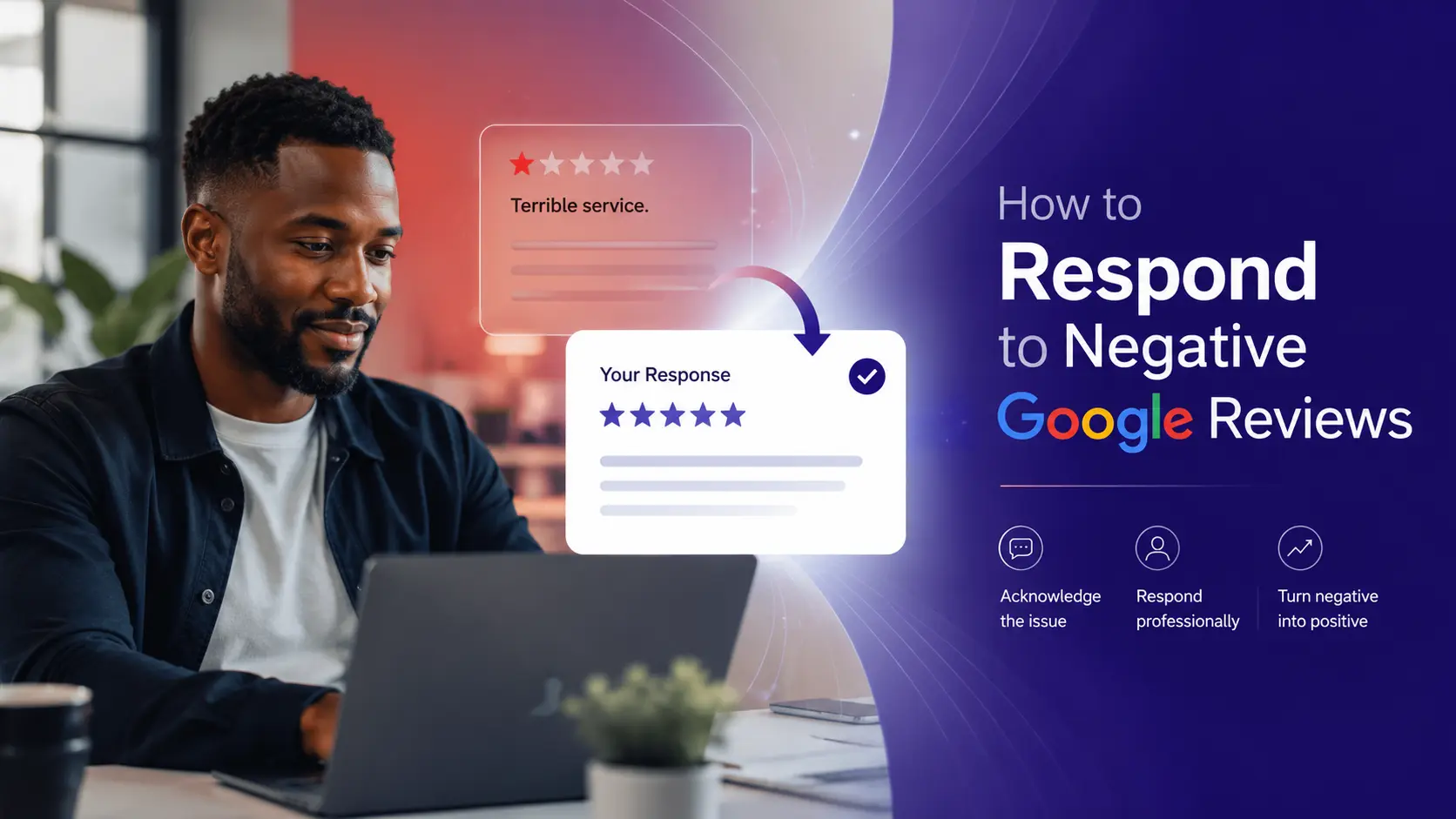
Copy-ready response templates to use quickly
The fastest way to reply to all negative reviews is to have a structure so that it looks professional. However, we recommend you add a personal touch to every review so it does not look automated.
Actual problem (the customer had a really bad experience):
Hi [Name], thank you for sharing your experience with us. I’m sorry your [visit/order/experience] fell short of what we offer- [briefly name the issue] isn’t our standard. We would like to make things right; could you please email me at [email] so I can help you directly to fix the problem? We always care about you and genuinely welcome the chance to make things better. — [Your name], [Role]
Fake, BOT, or spam review (someone who was never a customer):
Hi [Name], thanks for taking the time to write the feedback. We understand your pain point and take every review seriously. However, we don’t have any record of a visit, purchase, or order history matching this. If you believe you have taken our service/product, please reach out at [email] so we can solve the problem – we’d love to understand what happened. – [Your name], [Role]
Unfair or exaggerated review (real customer, distorted account):
Hi [Name], we are extremely sorry that you felt [rushed/let down] – that’s not the experience we want you to have. However, our records show a slightly different picture. But it would be much better if we heard it from you directly. Could you please email me at [email]? – [Your name], [Role]
Outdated or old review (describes a problem you’ve since fixed):
Hi [Name], thanks for sharing this. The [wait times/issue] you experienced were a real problem [timeframe], and we have since [specific change you made]. You will find things better today, and we would love to show you that. – [Your name], [Role]
Vague review (one star, no explanation):
Hi [Name], I’m sorry that our services do not meet your expectations. Unfortunately, we cannot fix what we cannot see. We would love to understand what went wrong with you. Could you please send an email sharing the exact problem so that we can make it better? [email] Thank you for flagging it. – [Your name], [Role]
The anatomy of a response that works
A good and smooth response has 7 parts: a warm greeting with the name of the reviewer, your acknowledgement, an apology, ownership brief, offline redirect, close-up, and a signature. You can add context if needed.
Read the replies we gave above. Every single line talks about the reader and his problem, not against the complaint or about the service. The greeting and name ensure that a real person has read and replied to it. The apology carries more weight than a long explanation. The ownership addresses the issues without conceding legal fault. The offline redirection channels the actual fix off the public thread, and the closing ensures the potential customers trust you. Keep things short and don’t make things unnecessarily long.
How to reply in Google Business Profile, step by step
You must respond to the reviews from your verified Google Business Profile and not from any personal profile. Below is the complete process to follow to ensure an accurate reply for a negative review.
Before you can reply: verify your business
You cannot respond to the reviews – let it be positive or negative – until you verify the Google Business Profile. Make sure to verify it to confirm that you actually control the business. Google confirms it by sending a code via email or phone and checking through videos or a postcard.
If you don’t see the reply button anywhere, chances are high that the reason is an unverified or unclaimed profile. Another reason can be the permission. You can post the reply once if you are the profile’s owner or have access to post replies.
Where you manage reviews now
Google discounted the “Google My Business” app. Now you can manage everything directly on your Business Profile through Google Maps and Google Search. So do not follow anything that tells you to open the app.
Method 1 – reply from Google Search (desktop)
- Log in to your Google account that owns your business profile.
- Find the business by the exact name.
- You will see the Business Profile manager panel at the top of the results.
- Click “Reviews” (or “Read reviews”).
- Check the review you want to reply to and click “Reply.”
- Write your response in the box.
- Click “Reply” (or “Post”) to publish.
Method 2 – reply from Google Maps (mobile app)
- Open the Google Maps app and log in with the owning account.
- Click on your profile picture, and then “Your Business Profile.”
- Click “Reviews.”
- Find the review you want to reply to and tap “Reply.”
- Write your response and tap “Reply” to post.
What happens after you hit reply
You might not see the response right after you click reply or post. It takes time for Google to screen replies against the policies before publishing. Reviews that violate any of the policies can get rejected, and you will be prompted to edit it. This means you should avoid writing anything that is considered a threat or harassment.
Do not write anything related to personal data about the reviewers, unnecessary links, or promotional offers in the review section. Once Google approves the review, it will appear under the review, and there will be a label ‘Response from the owner’ so that everyone can see your response.
Can I edit or delete my reply later?
Yes, your response is not locked once it is published. Return to the review, and you will find an option to delete or edit it. It is important that when you fix a problem offline and need to update the response to inform the users.
A note on AI-assisted replies
Google and other third-party tools are now offering AI-generated replies to save time and make the experience smoother. However, try to use them for a first draft and do not post them without checking. Value comes from your personal touch. Anyone can now understand the AI-written reply. So spend a few seconds editing the response.
Should you respond to a fake or unfair review, or try to remove it?
Yes, responding to fake or unfair reviews with factual lines and a calm voice will benefit future customers. If it is too derogatory, you can flag it to Google, and it will take care of the review. But do not expect to remove it or delete it simply. You cannot delete or remove it just because you disagree with it. You can only flag it when it violates Google content policies, and Google will decide whether to delete it or not.
You can check our detailed guide on whether you can remove negative Google reviews or not and what types of reviews can be removed. (Can Negative Google Reviews Be Removed?)
So you should respond to the negative reviews and flag them right away to let Google handle the rest, since you do not know whether it will be removed or not. Google will delete or remove it if the reviews have personal or confidential information, harassment, hate speech, misrepresentation, impersonation, off-topic, or illegal content.
An honest negative review will not be removed, no matter how painful and exaggerated it feels. To flag the review, open Google Maps, click the three-dot menu beside the review you want to flag, choose “Report review” (or “Flag as inappropriate”), and write or select the reason. However, remember that flagging does not guarantee removal.
You can check our complete guide for removing negative reviews from Google and other platforms. How to Remove Negative Reviews
How fast should you respond to a negative review?
Try to respond to the negative reviews within the first 24 hours when the memory of the review is fresh. And try to fix the problem earlier or invite him offline to fix the problem. Speed signals the audience that you are serious about the complaints and they can trust you.
What not to do when responding to negative reviews
Silence is better than replying to negative reviews the wrong way. You must not argue, show temper, use a common template, or over-apologise. A careless reply does more harm than the original negative reviews. So follow these tips while replying.
- Do not argue or get defensive because winning the argument will lose the audience.
- Try to avoid the same copy-paste or generic line. We mentioned it multiple times to add customized lines or a personal touch.
- Do not apologise continuously. Accept the problem, and a single apology carries more weight than five.
- Never offer a refund or discount in public reviews. Google strictly prohibits offering or promoting anything in the reviews.
- Do not share users’ personal information and their orders.
- Finally, do not get angry. Stay calm and reply with smartness.
Misconception vs. reality about replying to the negative reviews
| Common belief | Reality |
|---|---|
| “If I ignore it, it’ll fade away.” | The reviews will stay visible for a long time, and every future reader will see them. Silence itself sends a message. |
| “I simply can delete bad reviews I don’t like.” | You cannot remove or delete any legitimate reviews even if you don’t like them. |
| “A long, detailed reply looks more professional.” | Google Suggest keeps replies shorter so the audience reads. |
| “Apologizing means admitting guilt.” | You can acknowledge the experience without conceding legal liability. Empathy and admission are not the same. |
| “The reply is for the reviewer.” | It’s mostly for the future audience. |
Where this fits: reviews and your local reputation
Responding to the reviews is one of the most vital parts of review management. Reputation is everything in this online world. That’s why smart businesses leave this part to reputation management service providers, such as TheSmmExpert, to handle reputation on all platforms.
Besides, reputation management is a part of local SEO that makes your business more visible and trustworthy in the local search results. Getting regular reviews and responding to these reviews, whether positive or negative, can help you improve your ranking. A responsive profile suggests better activity and trust to the newer audience.
However, if you are not getting enough positive reviews compared to negative reviews despite providing quality services, you should get Google reviews from your customers through different means.
Remember that a response is not simply a social media comment. It is the statement of the company staying for the long term. The better the response is, the more likely your potential customers will convert.
Frequently asked questions
Should you respond to fake Google reviews?
Yes, you should respond to the fake Google reviews calmly and briefly and then report them to Google. Even a good response to fake reviews can improve your relevance and trust with users.
How fast should I respond to a bad review?
Respond within the first 24 hours and try to fix the problem as soon as possible.
Can I get a negative Google review removed?
Yes, you can get a negative Google review removed only when it violates Google’s content policies. Fake, spam, off-topic, personal attack, harassment, or containing personal credentials can be removed. But you cannot remove any legitimate negative reviews.
What do I say to a 1-star review with no explanation?
Acknowledge that something may have fallen short and invite the users to share the details offline so that you can fix the problem.
Is it worth responding to old reviews?
Yes. Even replying to old reviews will bring freshness to the review section and offer you a chance to show what has changed. It reassures the current audience that their voice will be listened to.
Should I apologise if the customer is wrong?
Yes, you should apologise for their experience but without admitting fault. Apologise that they felt rushed, disappointed, or unheard and show empathy, not a legal concession.