On this page
- Facebook video ads for different readers
- What changes video ad results
- How to Set Up Facebook Video Ads to Warm Cold Audiences
- Video ad choices by situation
- Details that improve video ads
- Facebook video ad problems and fixes
- Meta rules for video ads
- The real cost of warming audiences
- Keeping the campaign useful
- When Facebook video ads aren’t right
- Frequently asked questions
- Start with Facebook video ads
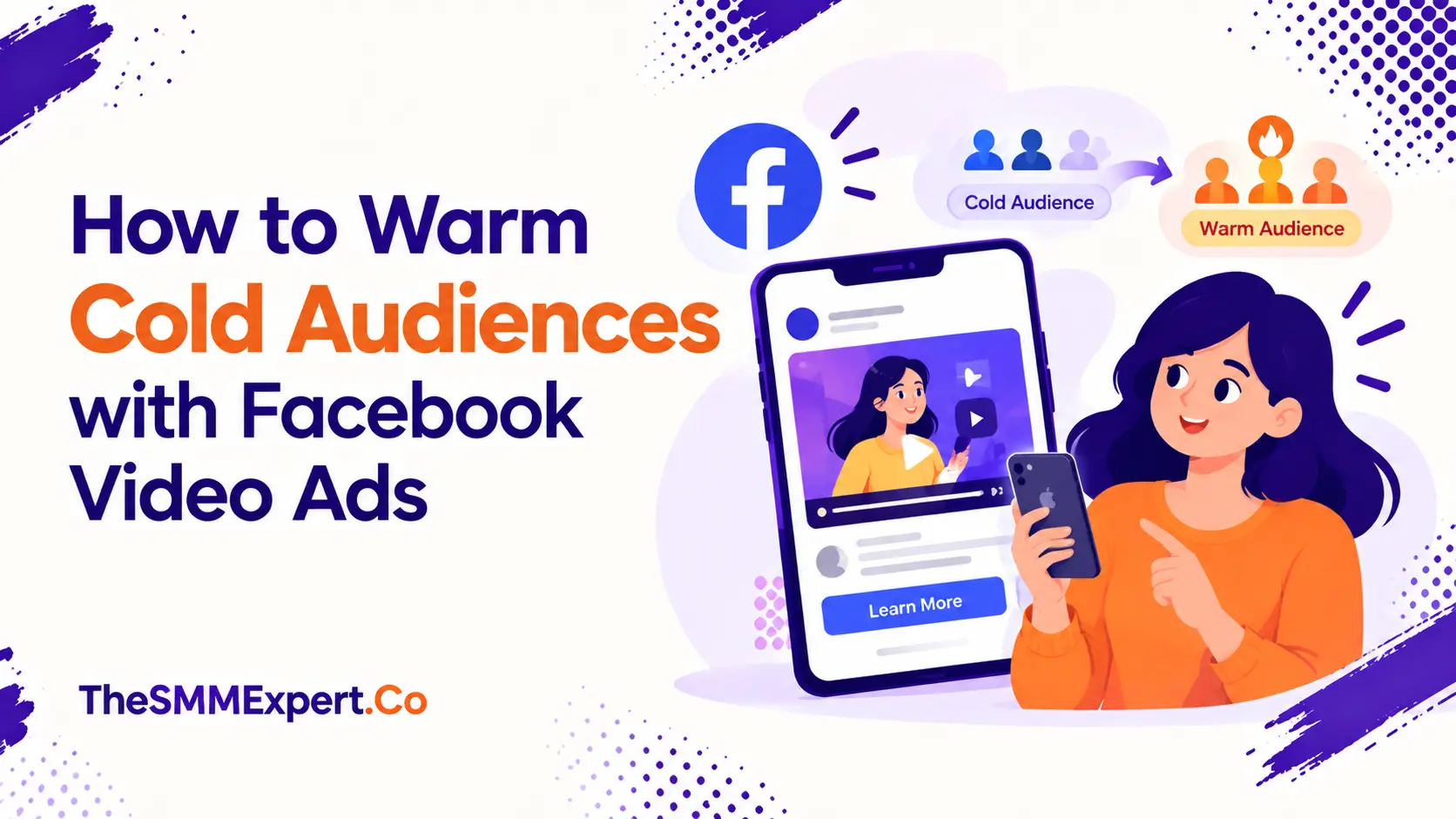
The practical way to warm cold audiences with Facebook video ads is to show a short, useful video first, then retarget viewers with a stronger offer. Start with broad cold targeting, build an engaged-video audience, and move people forward only after they show real interest.
Your result will change with video length, audience size, budget, and the event you use for retargeting. Your tracking setup matters too, because weak data can make a good video look unprofitable.
Facebook video ads for different readers
A new advertiser may already have a Facebook Page and one product, but needs a simple path from first view to sale. This page serves that reader best: you’ll get a practical campaign structure without needing advanced funnel software.
An experienced advertiser may already use Meta Ads Manager, custom audiences, and conversion tracking. That reader needs sharper choices, such as which viewer group to retarget and when to stop showing the first video.
An agency or large brand may need several markets, creative versions, and legal checks. This guide won’t replace a media plan or account audit. It assumes you’re promoting a legitimate offer, have permission to use your video, and can edit audiences in Meta Ads Manager.
If you need help with account restrictions, regulated products, or complex attribution, use Meta’s official support and policy pages instead. The advice here fits small and midsize campaigns with one main offer and a clear conversion action.
What changes video ad results
The first three seconds matter most. Your opening should show the problem, product, or outcome immediately. Check the first three seconds in the video preview with the sound off. If the viewer can’t tell who the video is for, rewrite the opening before changing the audience.
The audience signal controls the next step. A video-view audience is broader than a landing-page visitor audience. If your campaign has little data, start with people who watched a meaningful part of the video; if you have enough visitors, test a visitor audience because it shows stronger intent.
The offer changes the trade-off. A helpful video can reach more cold people at a lower attention cost, but a direct offer may produce faster sales from a smaller group. If you need learning, lead with education; if you need immediate action, show the offer earlier.
The conversion event must match the buying process. Use a purchase event for a direct online sale, a lead event for a form, or a message action when conversations close the deal. Read the event settings in Events Manager and confirm that the event fires on the correct page.
The video format affects delivery. Test vertical video for mobile placements and keep important text away from the edges. Open the placement preview in Ads Manager. The most common error is making one video for every placement, which can hide captions or crop the product.
How to Set Up Facebook Video Ads to Warm Cold Audiences
Use these steps for a standard Meta campaign with one cold audience, one video, and one retargeting stage.
-
Choose one offer and one action. Write the exact result you want, such as a purchase, lead form, or qualified message. The confirmation page or message thread should prove that the action worked.
-
Create a cold audience. Select the location, age range, and language your offer serves. Add broad interests only when they clearly describe the buyer. Exclude existing customers and recent website visitors if your goal is new discovery.
-
Prepare one short video. Put the problem or useful idea in the first three seconds. Add captions, show the product early, and finish with one action. Watch it without sound; the message should still make sense.
-
Build the awareness campaign. Choose a video-view or engagement goal that matches your account setup. Use the cold audience and publish the video without a sales-heavy opening. Check the preview for every selected placement before launch.
-
Create a viewer audience. In Audiences, choose people who watched your video and select the strongest available viewing threshold. Use a longer viewing threshold for a smaller, more interested group; use a shorter one when the audience is too small to deliver.
-
Create the retargeting ad. Exclude purchasers or completed leads, then show the viewer audience a proof, comparison, demonstration, or clear offer. Keep the landing page promise consistent with the video.
-
Check delivery and tracking. Confirm that the ad is active, the destination opens, and the selected event records correctly. If the event doesn’t appear after a real test visit, stop and fix tracking before spending more.
-
Compare the two stages. Review video attention, landing-page visits, and completed actions separately. If viewers watch but don’t visit, change the call to action; if they visit but don’t convert, inspect the offer and page.
The key judgment is whether the viewer has earned the next message. If a person only glanced at the video, show another useful proof point; if they watched deeply or visited the page, test a direct offer.
Video ad choices by situation
The right setup depends on how much audience data and creative material you have.
| Situation | What to do | What it takes | What to watch for |
|---|---|---|---|
| New offer, little data | Start with useful education | One clear video | Weak early message |
| Existing website traffic | Retarget recent visitors | Tracking and exclusions | Repeated impressions |
| Strong video viewers | Show proof or offer | Viewer audience setup | Audience too small |
| High-consideration product | Add demonstrations | Several creative angles | Slow decision cycle |
| Local service | Use location-focused video | Accurate service area | Unqualified leads |
| Existing customers | Exclude from cold ads | Customer list or event | Wasted delivery |
Details that improve video ads
Prepare the message first
Strong campaigns usually begin with one painful problem, not a list of product features. Write one sentence that names the viewer, the problem, and the useful result. Then make the first frame support that sentence.
Check the landing page before launching. Its headline should match the video’s promise, and its main action should appear without a long search. If the page asks for more trust than the video creates, add proof before increasing the budget.
Use one main call to action. Asking people to watch, follow, download, and buy in the same video weakens the next step. A cold viewer needs a reason to continue; a warm viewer can handle a more direct request.
Check the signal while it runs
Look for a difference between attention and intent. A video may receive views while producing few visits, which means the opening works better than the offer. If visits rise but leads or sales stay flat, check the page, form, price, or tracking before blaming the audience.
Leave enough time for the campaign to collect comparable data, but don’t keep a clearly broken ad running. If the video has a poor first-frame message, replace it; if the message works but the page fails, keep the video and fix the page.
Facebook video ad problems and fixes
A visible problem often points to a specific place in the campaign. Check the simplest cause first.
| What you notice | What it usually means | What to do first | How to stop it happening again |
|---|---|---|---|
| Views but few visits | Weak call to action | Rewrite the ending | Use one clear action |
| Visits but no leads | Page mismatch | Compare page promise | Match headline and video |
| High repeat exposure | Audience is too small | Expand qualified reach | Exclude recent viewers |
| Video cropped badly | Placement mismatch | Check every preview | Export placement versions |
| Sales look untracked | Event setup problem | Test the conversion event | Verify before launch |
| Cold users see offers | Exclusions are missing | Exclude warm groups | Refresh exclusions |
| Costs rise after edits | Delivery has reset | Compare new results | Change fewer items |
A costly mistake is judging the campaign only by cheap video views. That can push you to buy more attention from people who never become customers. Separate view quality, visits, and conversions so you don’t spend more to improve the wrong number.
Meta rules for video ads
Meta’s Advertising Standards apply to ad text, video, landing pages, and the product being promoted. Ads can be reviewed before or after delivery, and approval doesn’t guarantee permanent delivery if later checks find a policy problem. Read the Meta Advertising Standards before publishing.
Avoid misleading claims, personal-attribute language, copied content, and before-and-after promises that imply a guaranteed result. Health, finance, housing, employment, politics, and other restricted areas can have extra requirements or limited targeting options.
Rules can vary by country, product category, and account setup. Check Meta’s policy page for the market and category you’re targeting. If an ad concerns regulated advice, legal rights, medical treatment, or financial decisions, stop at the campaign setup and ask a licensed professional to review it.
The real cost of warming audiences
The money cost isn’t only the first video campaign. You also pay for creative production, landing-page work, tracking, retargeting delivery, and the sales time needed to handle new leads.
The time cost rises when you create several videos before learning what the first one proves. Start with one clear angle, then compare a new opening or offer. The trade-off is simple: fewer versions make learning easier, while more versions can reveal stronger messages faster but split your data.
Your real cost per customer depends on the full path from impression to sale. Compare total campaign spend with completed purchases or qualified leads, not with video views alone. Include refunds, sales labor, and lead quality when you calculate the result.
Ad prices change with auction demand, audience size, location, season, and account history. Check current delivery costs inside Ads Manager instead of relying on a fixed online benchmark. A cheap view isn’t useful if it creates no valuable next action.
Keeping the campaign useful
Keep the audience exclusions and conversion events current as the campaign changes. A person who bought or submitted a lead should move out of prospecting and offer audiences, or you’ll keep paying to repeat the same message.
Watch for signs that the creative needs attention: comments show confusion, viewers stop at the same point, visits fall while delivery continues, or the same people see the ad repeatedly. When one sign appears, compare the video, audience size, placement preview, and landing page before rebuilding the campaign.
Keep a simple record of the video version, audience, objective, landing page, and major edits. If results fall, this record helps you identify what changed. You shouldn’t need to restart a working campaign just because one creative needs replacing.
When Facebook video ads aren’t right
This approach isn’t for an urgent sale that needs immediate intent. Use search ads, direct outreach, or a sales team when people already know the exact product they want and are ready to act.
It’s also a poor fit when you can’t explain the offer in a safe, truthful video. For regulated health, legal, or financial services, use approved creative and professional review before advertising. Don’t try to solve a policy or licensing problem with new targeting.
Finally, don’t use video retargeting when your audience is too small to protect privacy or deliver consistently. Use a broader compliant campaign, email marketing with permission, or organic content instead. If tracking is unreliable, fix measurement before spending on warm audiences.
Frequently asked questions
Can Facebook video ads warm cold audiences?
Yes, but the video must earn a second interaction. Show a useful problem or demonstration first, then retarget people who watched or visited with proof and a clear offer. A video view alone doesn’t prove buying intent, so separate attention from conversion data.
Why are my Facebook video ads getting views but no sales?
The opening may attract attention without creating enough intent. Check whether viewers visit the page, whether the page repeats the video promise, and whether the purchase event records correctly. If visits happen but sales don’t, review the offer and checkout before changing targeting.
How long should a Facebook video ad be?
Use the shortest length that explains one useful idea and one next action. The correct length depends on product complexity and viewer awareness, so compare where people stop watching in Ads Manager. A longer demonstration can work when the product needs proof before purchase.
Is it safe to retarget people who watched my video?
Yes, when the audience and ad follow Meta’s policies and applicable privacy rules. Don’t use sensitive personal information or imply that you know a person’s private condition. Check your country’s requirements and Meta’s current rules before creating the audience.
What happens if I retarget every video viewer?
Your warm audience may become too broad and include people who only saw a moment of the ad. Use a stronger viewing threshold when delivery allows it, or add website visits and meaningful actions. Then exclude purchasers and completed leads from the offer.
Does video length matter for cold audiences?
Yes, but there’s no single winning length. Short videos can communicate one idea quickly, while longer videos can answer objections. Compare retention, visits, and conversions for the same audience and offer instead of choosing by seconds alone.
How much should I spend on Facebook video ads?
There’s no responsible fixed amount without your market, offer, audience, and conversion value. Set a test budget you can afford to lose, then compare the cost of qualified actions with your acceptable customer-acquisition cost. Increase spending only when tracking and lead quality hold.
Start with Facebook video ads
Create one useful video for a clearly defined cold audience, then build a warm audience from meaningful viewing or site activity. Expect better results when the second ad answers the next question, and stop to get policy or tracking help if the event data or account status looks wrong.
 Written byMatthew WilliamsMatthew Williams is a digital marketing writer and social media expert with over 8 years of experience. He works with Facebook, Gmail, and online reputation problems. He writes clear, useful content to help people, creators, and businesses fix Facebook problems, keep their pages safe, and use Meta’s tools more effectively. His work talks about Facebook Ads, Business Manager, keeping your pages safe, growing your audience.