
The fastest way to get more Capterra reviews for your SaaS is to ask the right customers at the right time through the right channel. Know when your customers are happy, ask them politely to write their experience, and respond to the reviews. Following these three will be sufficient to get enough reviews and rank higher on Capterra and other platforms.
However, identifying the right customers and asking them at the right time is harder than it sounds. This guide will show you how to find the right customers to ask and when to ask to ensure maximum conversion.
How do you get more Capterra reviews?
Follow these steps to get more SaaS reviews and beat your competitors.
Claim and Optimize Your Profile
The review process must start with the profile optimization since people check it before anything else. Claim your Capterra profile and optimize the profile properly by filling in every section. The profile must look authentic and professional. Add an accurate company description, details about the product, screenshots, pricing information, latest contact information, and supported integrations. It builds trust among users and convinces them to leave reviews.
Identify Happy Customers
Not every customer is happy, and not every happy customer will write a review for your product. Focus on users who have tested positive with your product. You can filter them through NPS (9-10 scores), highest feature adoption, milestone hitting, and quality support.
Ask at the Right Time
Timing plays the most important role in improving conversion rates. Do not request a review right after someone purchases your software. Wait until the users have achieved something meaningful through your software, like completing a successful project, renewing their subscription, or reaching a business milestone. Customers who have experienced the value of your software will leave reviews easily. Also, ask the customers to write a review right after a superb customer service experience or problem-solving.
| Lifecycle trigger | Why it works | Sample ask |
|---|---|---|
| Initial value | The customer experiences the initial value and has an impression. | Would you please share your experience on our Capterra Page? |
| After a milestone | Now your audience has something to share. | “You hit [X milestone] this time with our product. A short review on our Capterra Page would really help us. |
| After a positive support interaction | You have fixed the problems, and the customer is happy. | Glad we fixed the problem. Would you please share your experience on our Capterra Page? |
| At renewal | Renewal means the customer is satisfied with your service. They can share their experience. | Thanks for renewing and trusting us. Would you please share your experience with others on our Capterra Page? |
Use Capterra’s Official Review Link
Send the official Capterra review links to your customers since it creates trust among customers. Make the process simple and do not force users to search for your business profiles. Send direct links that will redirect your audience to the review page.
Run Compliant Incentive Campaigns
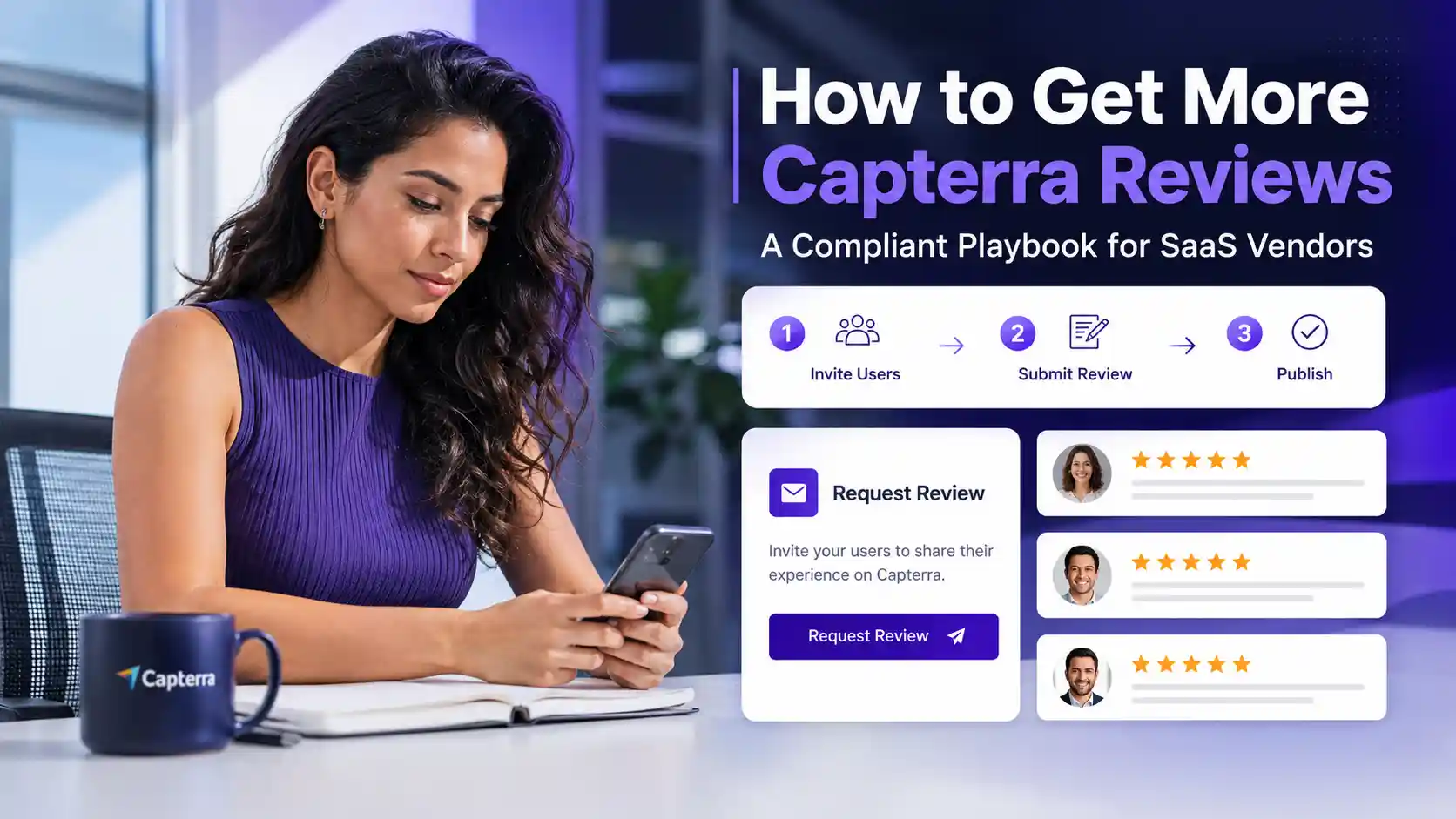
Running official Capterra incentive campaigns is the fastest way to get reviews from your customers. Capterra allows users to incentivize other users for writing reviews. However, note that the reward is for the act of writing a review. It can be positive and negative. So focus on your software quality before you run the campaign.
Respond to reviews
Always respond to reviews, positive or negative. Responding to positive reviews will encourage other users to write reviews, whereas responding to negative reviews and fixing the problems will make the users feel important.
Make Review Collection Ongoing
The review generation campaign should be consistent and ongoing to achieve the best results. Keep asking users at the right time throughout the year to maintain a steady flow of reviews. Smart people leave this part to the professional Capterra review management team so that they can focus on the product and marketing.
How to ask customers for a Capterra review
Here are the best methods that work best for SaaS.
- Personal email or CRM sequence: Send a review request to the user’s email with a proper reference and subject so that they open and click the links.
- In-app prompts: Ask for reviews with in-app prompts after a successful event like project completion, renewal, or something like that.
- Events and onboarding calls: Call your high-value customers and ask politely for a review.
What you must not do to get Capterra reviews
Don’t chase shortcuts and always follow the right path to gain Capterra reviews from customers. Here are the things you must not do while running a review campaign.
-
- No review gating: Always get reviews from happy and unhappy customers since only asking satisfied customers to leave a review goes against FTC guidance. Also, it makes the audience suspicious since no business can have only positive reviews.
- No self-submitted: Do not write reviews for your own product, or do not make your employers or affiliates write ones too. This is a clear violation of policy, and it may get your account banned.
- No non-disparagement clauses: You must not use the contract to force your audience to write only positive reviews. This is against Federal laws, and Capterra treats them badly with penalties.
- No third-party review farms: Don’t hire a third party to generate fake reviews for your business since it may get you suspended.
- No buying your rating: Do not pay customers to leave positive reviews or 5-star ratings.
- Do not focus only on Capterra: Do not get reviews for Capterra only, since most customers check other platforms to compare the software. That’s why many businesses hire a complete review management service to ensure an equal presence on every platform.
Frequently asked questions
How many Capterra reviews do I need to rank well?
The number of reviews you need to rank well on Capterra depends on the category you are in, industry, and competition level. Check your competitors and get more reviews with a consistent flow to rank higher.
Does Capterra pay reviewers to write reviews?
Yes, Capterra allows sellers to offer small gifts to the audience for writing a review. However, note that the gift is for writing reviews, not for writing positive reviews only.
Can I email customers to ask for Capterra reviews?
Yes. You can email customers to write reviews on the Capterra profile. Make sure to send official Capterra links and ask the eligible users.
Why did my Capterra review get rejected or removed?
Capterra checks reviews manually through LinkedIn profiles and business emails to find out whether the reviews are from original users or not. So check whether your reviews are from original users or not. Also, the system has an algorithm to check AI-generated content. Make sure you have human-written content.
How long does it take for a Capterra review to be published?
It takes time for a Capterra review to be published because every review is checked manually by a human. And the time depends on the busyness of your campaign.
Do my Capterra reviews also appear on GetApp and Software Advice?
Yes. Since Capterra, GetApp, and Software Advice are under the same roof, all those Capterra reviews will be visible to those platforms as well.

