
The facebook ad scheduling guide answer is simple: use Meta Ads Manager with a lifetime budget, then choose the days and hours when your ads can run. A daily budget normally runs throughout the day, so it doesn’t offer the same hour-by-hour control. Your results will still depend on audience activity, bid settings, budget, and the campaign’s goal.
How Facebook ad scheduling works
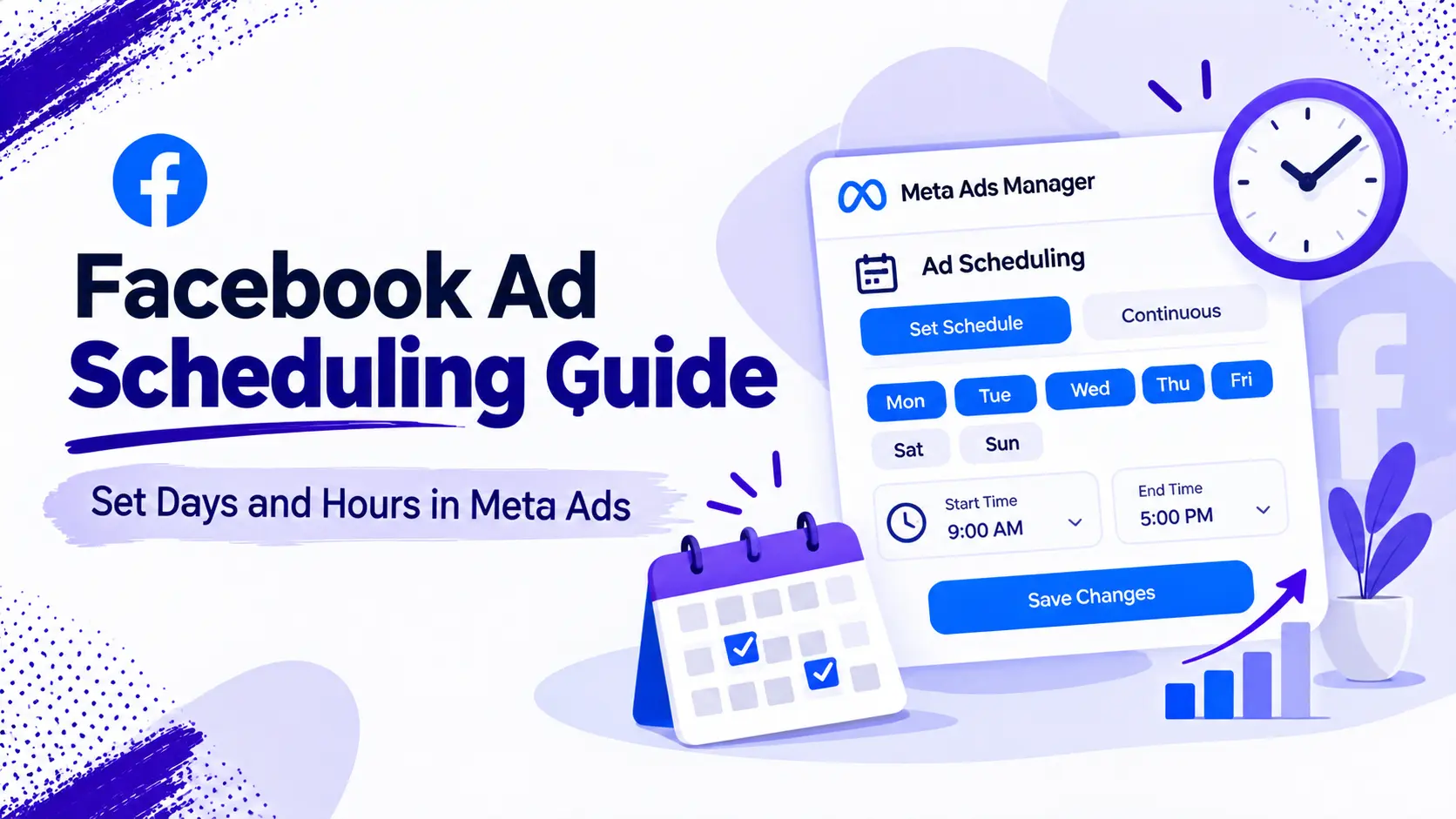
Facebook ad scheduling lets you decide when an ad set can deliver ads. You choose a start date, an end date, and specific time blocks, such as weekdays from 9:00 a.m. to 5:00 p.m. The schedule applies at the ad set level, not separately to each ad inside it.
This feature is useful when your business can respond only during certain hours. It can also help when your customers are active at predictable times or when you want to avoid overnight delivery. However, a schedule doesn’t guarantee that Meta will spend the same amount in every selected hour.
The main requirement is a lifetime budget. Meta needs the full budget and the complete campaign period to plan delivery across your chosen schedule. With a daily budget, Meta generally controls delivery across the day instead of giving you the same custom time-slot option.
A common misconception is that scheduling automatically improves performance. It doesn’t. Scheduling removes selected delivery times; it can’t create demand, fix weak creative, or make an unsuitable audience respond.
The schedule uses the ad account’s time zone. That means a time block may not match your local clock if the account was created in another region. Check the account time zone before you build a schedule.
How to schedule Facebook ads
Use Ads Manager on a desktop browser when possible. The labels can change, but the basic process follows these steps.
-
Create or open a campaign in Meta Ads Manager. Choose the campaign objective that matches the action you want, such as sales, leads, or traffic.
-
Open the ad set, then choose the audience, placements, optimization event, and budget controls. Scheduling happens here, so don’t look for the main control at the individual ad level.
-
Select a lifetime budget and enter the total amount you’re willing to spend for the scheduled campaign period. A lifetime budget is different from a daily budget because it covers the whole run.
-
Set the start and end dates using the account’s time zone. Leave enough time for delivery and review before the first scheduled block.
-
Choose the option to run ads on a schedule, then mark the days and time ranges. For example, select Monday through Friday from 9:00 a.m. to 5:00 p.m. if your team handles inquiries during those hours.
-
Review the schedule and preview the ad set. Check that no unwanted overnight hours are selected and that the end date doesn’t cut off an important promotion.
-
Publish the ad set, then watch delivery, cost, and the intended result. Change one major variable at a time so you can tell whether the schedule helped.
The key judgment is whether your chosen hours match the action you need. If a person must answer a call or message quickly, schedule during staffed hours; if the goal is online sales, test broader coverage before cutting late or early hours.
Facebook ad schedule settings
These examples show how the schedule changes with the business situation. They aren’t universal performance rules.
| Situation | What to use | How long | What to watch for |
|---|---|---|---|
| Staff answer calls during office hours | Lifetime budget with staffed-hour blocks | The exact open hours, such as 9:00 a.m.–5:00 p.m. | Missed calls outside the selected hours |
| A local store has different weekend hours | Separate weekday and weekend blocks | Each day’s real opening hours | The account time zone and holiday changes |
| An online store accepts orders all day | A wider schedule or continuous delivery | The full campaign dates | Whether removed hours produce lower sales |
| A limited-time promotion | Lifetime budget with the promotion dates | From the launch time through the final offer time | Approval delays and the end date |
| A lead team works overnight | Overnight blocks that match real coverage | Only the staffed overnight hours | Response speed and lead quality |
| A new campaign has no timing evidence | Broad delivery at first, then controlled tests | Enough time to compare matched periods | Whether the schedule or creative caused the change |
A schedule can restrict delivery, but it doesn’t promise equal spend in every selected block. Meta may deliver more during hours with stronger opportunities, so compare the result you care about rather than impressions alone.
Details that improve ad scheduling
Start with the customer action, not the clock. A schedule for phone leads should follow the hours when someone can answer and qualify those leads. A schedule for ecommerce sales has a different trade-off: cutting quiet hours may reduce waste, but it can also remove sales that happen outside business hours.
Prepare the schedule before publishing. Write down the account time zone, business hours, promotion dates, and the result you’ll measure. Then check the ad set’s budget type, because a lifetime budget and a daily budget don’t provide the same scheduling controls.
After launch, check whether delivery is happening during the selected blocks. Compare cost per result, conversion value, lead quality, or another business measure that matches the objective. Don’t judge the schedule only by click volume if clicks aren’t the final goal.
A mistake that costs money is selecting hours because they look convenient for the advertiser, then cutting the hours when customers actually convert. The cost can be fewer qualified leads or missed purchases, even if the remaining hours show a lower cost per click. If the schedule removes useful hours, restore them before making larger campaign changes.
Leave the creative, audience, and bid settings alone during the first comparison when possible. Changing all of them with the schedule makes the result hard to read. Also, don’t create many tiny time blocks unless you have a clear reason; fragmented delivery gives the system less room to find opportunities.
Facebook ad scheduling problems
A schedule problem usually comes from the budget type, time zone, dates, or a delivery restriction. Check those items before rebuilding the campaign.
| What you notice | What it usually means | What to do first |
|---|---|---|
| The time-grid option isn’t available | The ad set is using a daily budget or a setup that doesn’t support the control | Review the budget type and ad set settings |
| Ads run at an unexpected local time | The ad account time zone differs from your current location | Check the account time zone before editing hours |
| Ads aren’t delivering in a selected block | The campaign may have review, audience, bid, or delivery limits | Check delivery status and policy notifications |
| The campaign stops before the promotion ends | The end date or account schedule is too early | Edit the end date and confirm the time zone |
| Spend looks uneven across selected hours | Delivery isn’t divided equally by clock hour | Judge the chosen business result, not equal hourly spend |
If the problem continues after these safe checks, use Meta Business Help or an authorized advertising specialist. Don’t change billing, account ownership, or identity settings blindly.
Meta ad scheduling rules
Meta’s ad delivery tools, budget controls, and available scheduling options can change by objective, account, placement, and interface version. For the current requirements, check Meta’s ad scheduling instructions before publishing.
You’re responsible for the ad’s content, targeting, landing page, and claims. Meta reviews ads under its advertising policies, but approval doesn’t guarantee good performance or legal compliance in your market.
Privacy and marketing rules can also apply outside Meta. For example, lead forms, customer lists, cookies, and text or email follow-up may have separate requirements under local law. Ask a qualified legal or privacy professional when your campaign uses sensitive data, regulated products, or automatic contact.
If a setting affects billing, account access, or legal compliance, stop at the normal Ads Manager checks and contact Meta support or a qualified professional. Don’t use an unverified workaround that could spend money or weaken account security.
Maintaining a live schedule
Record the schedule, account time zone, lifetime budget, start date, end date, and the reason you selected those hours. Keep a note of holidays, staff changes, and promotions so an old schedule doesn’t continue after the business pattern changes.
Review the campaign when the audience behavior, opening hours, offer, or response process changes. There isn’t one reliable refresh interval for every account. A clear sign that it needs attention is a new gap between selected delivery hours and the hours when customers actually respond or buy.
If the campaign still has useful delivery, edit the schedule rather than deleting the ad set. Save the previous settings before making changes so you can compare performance and restore the earlier version if needed.
When Facebook scheduling isn’t right
Facebook scheduling isn’t a good first choice when you have no evidence that certain hours are poor. Start with wider delivery, then use performance data to test a narrower schedule.
It’s also a weak fit for urgent services that need leads at any hour. Use continuous delivery and arrange coverage, an automated reply, or an answering service instead.
This method isn’t for campaigns with dates or budgets you can’t monitor. If the offer may end early, inventory may run out, or the account has billing problems, fix that control first. A simple pause plan is safer than relying on a detailed time grid.
Frequently asked questions
Can I schedule Facebook ads with a daily budget?
No. The custom day-and-hour schedule is generally tied to a lifetime budget in Meta Ads Manager. A daily budget gives Meta a daily spending limit, but it doesn’t provide the same manual time-grid control. If the option is missing, check the ad set budget and the current interface.
Why can’t I see ad scheduling in Ads Manager?
The usual reason is that the ad set uses a daily budget or a campaign setup that doesn’t support scheduling. The option can also vary by objective, account, and interface version. Open the ad set, review budget settings, and check Meta’s current help instructions.
How long does Facebook ad review take?
Meta doesn’t promise one fixed review time for every ad. Review can take longer when the ad, landing page, targeting, account, or product needs extra checks. Submit ads before the first important delivery period, and watch the delivery status for a review message.
Is it safe to run Facebook ads only during business hours?
Yes, when business-hour delivery matches the action you need. It can make sense for phone calls, live chat, or appointments that need a quick reply. It isn’t automatically safer or more profitable for online sales, where customers may purchase outside those hours.
What happens if I change a Facebook ad schedule?
Changing the schedule can alter delivery and make past comparisons less useful. Meta may also review a changed ad set again, depending on what you edit. Record the old hours first, then change one major control at a time and watch delivery after the update.
How many time blocks can I use in Facebook Ads Manager?
There isn’t one permanent number that applies to every account and interface version. The practical limit is the time grid shown in your ad set. Use only the blocks you can explain with customer or staffing evidence, rather than creating many small gaps.
Conclusion
Once your campaign has gathered enough data, compare performance by audience, placement, and time period, then adjust future delivery windows around the patterns you find. Keep testing rather than assuming a fixed schedule will always work; people’s routines change, and you’ll often get better results from small, evidence-based updates over time.
