
Useful Google display ad examples include responsive display ads, static image ads, HTML5 ads, video ads, carousel ads, and app promotion ads. These formats place paid messages across websites, apps, YouTube, and other Google advertising spaces that support display campaigns, combining visual assets, short copy, a call to action, and a landing page. Some adapt automatically to available spaces, while others keep one fixed layout; your creative assets, campaign type, audience, and desired control determine which format fits best.
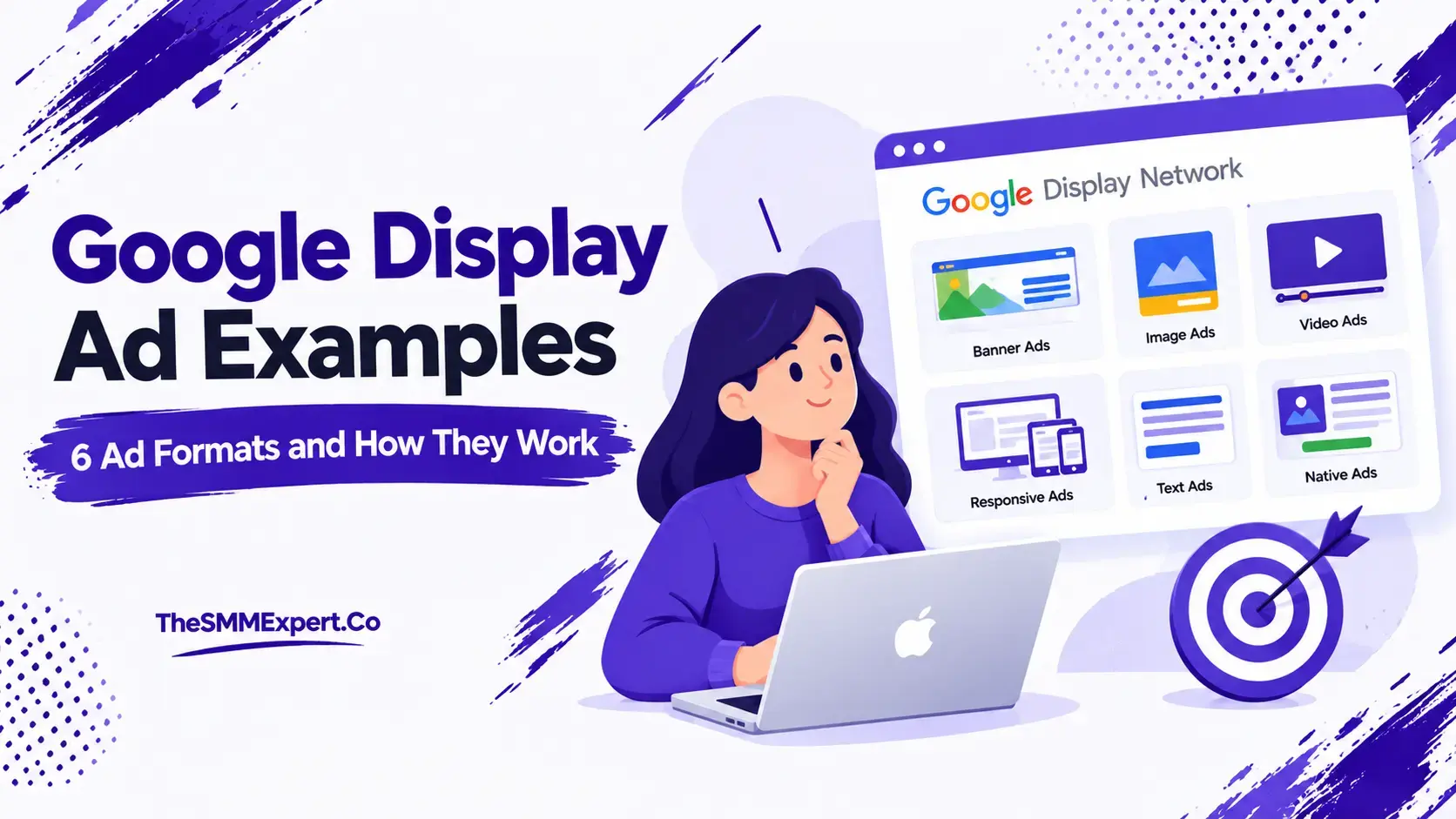
Google display ad formats
These six formats cover the main ways a display ad can look and work in Google Ads. Choose based on the action you want and the assets you can produce.
Responsive ads trade exact layout control for flexibility across placements. Static ads do the opposite. Add motion or interaction only when it makes the product easier to understand; otherwise, it can compete with the message.
| Ad format | Best for | Recognizable example |
|---|---|---|
| Responsive display ad | Flexible reach across placements | Mixed image and text ad built from supplied assets |
| Static image ad | Fixed branding and exact layout | 300×250 banner with one controlled composition |
| HTML5 ad | Interactive design that needs motion | Animated product banner with clickable elements |
| Video ad | Showing a product in sequence | Short autoplay clip with a clear demonstration |
| Carousel ad | Multiple products or offers | Swipeable product cards with separate messages |
| App promotion ad | App installs when the app is the destination | Install app banner linked to the download |
Responsive display ads
A responsive display ad combines your text, images, logos, and videos, then adjusts the layout for different ad spaces. It suits advertisers who want broad reach without designing every banner size by hand.
Responsive ads work well when you have several strong images and short messages, but they give you less control over the final layout. The same headline may appear beside a different image or in a different size. If strict brand placement matters more than reach, a fixed image or HTML5 ad may fit better.
- Test several messages: Compare different headlines, descriptions, and calls to action without building each version manually.
- Reach more spaces: Let the system resize and rearrange assets for available website and app placements.
- Support early campaigns: Start with a small creative team when you don’t have resources for every banner dimension.
- Match different goals: Use sales copy for product campaigns or softer copy for awareness campaigns.
Use original assets that still make sense when separated. A product image should remain clear without a long explanation, and a logo shouldn’t disappear against the background. If an image contains tiny text, it may become unreadable in smaller placements.
For example, an online shoe store could provide five product images, two logos, five headlines, five descriptions, and one landing page for a running-shoe campaign.
Static image ads
A static image ad uses one finished visual file, so its layout stays under your control. It suits brands with strict design rules, a finished campaign concept, or a message that depends on exact placement. Unlike a responsive ad, it won’t rebuild the design from separate assets.
Static ads are useful when the image itself carries the main message. You can place the product, logo, offer, and call to action exactly where you want them. The trade-off is production work: one design won’t fit every available space, so you may need multiple versions in the sizes accepted by your campaign.
- Protect brand layouts: Keep the logo, product, and legal copy in fixed positions.
- Show one clear offer: Present a sale, event, or new product without changing the visual order.
- Reuse finished creative: Adapt approved print or campaign artwork for supported display placements.
- Make design reviews easier: Approvers can review one complete image instead of many possible combinations.
Check the current Google Ads upload requirements before exporting files. The allowed formats, size limits, and available placements can change, and the requirements may differ between image ads and other campaign types. If the file is too large or uses unsupported content, it can be rejected before delivery.
A concrete example is a 300×250 image ad showing a blue backpack, the words “Back to school,” a 20% offer, and a button reading “Shop now.”
HTML5 display ads
An HTML5 display ad uses web code to create movement or interaction instead of showing only one flat image. It suits advertisers with design or development support who need animated product views, expandable storytelling, or interactive demonstrations. The extra control also brings more review, testing, and file-management work.
HTML5 ads can show several product features in one small space. A visitor might see a product rotate, a message change, or a simple interaction before clicking through. That can make the ad more informative, but motion can also distract from the brand or fail on a small screen.
- Demonstrate a product: Show how a suitcase opens, how furniture changes shape, or how a tool works.
- Create visual sequence: Move from problem to solution across several frames.
- Use interaction carefully: Let people reveal a feature without sending them to another page.
- Keep brand control: Build a custom animation rather than accepting an automatically arranged layout.
HTML5 ads need suitable creative tools, testing across browsers, and knowledge of Google Ads’ current technical rules. If your team doesn’t have that equipment or training, use a static image or responsive display ad instead. For code errors, policy questions, or a file that fails validation, stop and ask your developer or Google Ads support rather than changing code blindly.
For example, a furniture company could use a 10-second animated banner that changes a sofa from gray to green, then ends with “See all colors.”
Video display ads
A video display ad uses motion, sound, or both to explain an offer. It suits products that are easier to understand through action, such as fitness classes, travel experiences, software, or demonstrations. It isn’t the same as placing a long television commercial everywhere; the placement, campaign type, and available inventory control where it can appear.
Video can communicate mood and use more quickly than a still image. However, a viewer may see the opening without sound, skip before the final message, or view the ad on a small screen. Put the product or benefit early, and make the key message understandable through on-screen text.
- Show use: Demonstrate a feature that a still image can’t explain clearly.
- Build recognition: Repeat the brand name and visual identity during the short clip.
- Create emotion: Use movement, people, or scenery for travel and lifestyle offers.
- Explain a service: Show a simple process before asking for a click.
The trade-off is production time and performance dependence on the opening seconds. A polished video won’t fix a weak offer or a landing page that doesn’t match it.
For example, a language-learning service could use a short clip showing a learner practicing a phrase, followed by the text “Start a free lesson.”
Other Google display ad formats
Several other formats can fit a display campaign, but availability depends on campaign type, inventory, and account setup. Check placement eligibility and asset requirements in current Google Ads documentation before building creative; one campaign may offer a format that another does not.
- Carousel ads: These show several cards that people can move through. They’re useful for stores with related products, property listings, or a step-by-step service. Choose this format when each card has its own useful image and landing page. Give each card a reason to click, and keep the sequence logical.
- App promotion ads: These encourage people to install or return to an app. They’re best for app publishers with a clear goal and a working store listing. Match the ad to the app’s real features and supported devices. Use the store listing for installs; use a tested deep link for returning users when supported.
- Native-style display ads: These adapt to the surrounding space and may look more like nearby content. Reach for them when a softer, less banner-like presentation suits a website or app placement. Keep a clear brand cue and check previews at each size, so blending in doesn’t make the advertiser hard to identify.
- Animated image ads: These use motion inside a display creative without the full production needs of a video. They’re useful for a simple offer or product reveal, but keep the message clear if animation is paused or viewed briefly. Put the offer and call to action in the opening frame.
How to choose a display ad
Choose by starting asset, campaign goal, and level of control rather than by appearance alone. If you have many approved images and want the system to adapt them, choose responsive display ads; if you need one exact layout, choose static image ads. If showing movement explains the product, compare HTML5 display ads with video display ads.
Your production ability also matters. If you have no designer or developer, responsive display ads usually require less manual resizing than static or HTML5 work. If you have a finished brand campaign, static image ads may protect the approved design better.
The result you want narrows the choice further. Use carousel ads when several products or steps matter, app promotion ads when installs are the goal, and video display ads when action or emotion carries the message. For a single clear offer, static image or responsive ads may be easier to understand.
If X is your condition, do A; if Y is your condition, do B: if the final layout must stay fixed, use a static image ad, but if reaching varied spaces matters more, use a responsive display ad. You can combine formats in one broader plan, but each creative still needs its own review, landing-page match, and performance check.
Related guides
- Popular Use Cases Examples Of Google Reviews Qr Code
- Why Should You Buy Google Reviews?
- A Guide On How To Delete Google Reviews
Frequently asked questions
What are Google display ads?
Google display ads are paid visual ads shown across eligible websites, apps, and other Google advertising placements. They can use images, text, animation, video, or several cards. The exact appearance depends on the campaign type, ad format, available inventory, and assets you upload. A display ad normally leads to a landing page, app store listing, or another approved destination.
How many images do responsive display ads need?
Google Ads sets the current asset requirements, so there isn’t one permanent number for every account or campaign setup. The number can differ by asset type, such as landscape images, square images, logos, headlines, and descriptions. Check the asset fields shown inside your Google Ads campaign before preparing files. That screen gives the requirement that applies to your selected format.
Can Google display ads include video?
Yes, some Google display campaign setups can use video assets, but availability depends on the campaign and format. Video may appear as part of a responsive display ad or as a separate video-based creative, subject to Google’s current rules. If your campaign interface doesn’t offer video, don’t force the file into an image field; choose an accepted format or ask Google Ads support.
Why was my display ad rejected?
A display ad can be rejected for policy violations, an unsupported file, poor technical quality, a destination problem, or misleading content. The exact reason appears in the ad’s status and policy details in Google Ads. Fix the stated issue rather than replacing random text or images. If the reason is unclear, use the appeal or support option inside your account.
How long should a display ad video be?
There isn’t one universal video length for every display placement. The suitable length depends on the campaign type, placement, message, and whether viewers can skip or mute the ad. Put the brand and main benefit near the beginning, then check the format rules shown in Google Ads. A long video isn’t useful if the key message arrives after viewers leave.
Is it safe to use text inside banner images?
Text inside a banner can be used, but small or crowded text may be hard to read and can weaken the ad. Keep the offer short, use strong contrast, and repeat essential information in the ad fields when the format allows it. Don’t place a legal condition in tiny type. Ask your designer or compliance reviewer to check any required wording.
What happens if the landing page doesn’t match the ad?
People may leave quickly, and the campaign can produce weak results even when the ad gets clicks. The landing page should repeat the main offer, product, or action shown in the creative. If the ad says “20% off running shoes,” visitors should find that offer and product category without searching through unrelated pages.
Start with Google display ads
Start by choosing the format that matches your strongest asset. Use responsive display ads for flexible combinations, static image ads for fixed artwork, or video and HTML5 ads for movement. Responsive ads combine uploaded headlines, descriptions, images, and logos, allowing Google to assemble different layouts.
Check the landing page on a phone and match it to the ad’s product and offer, rather than sending every version to a generic homepage. Keep video understandable without sound, and confirm HTML5 is available for your account before commissioning custom development. Expect a useful result when the ad message, visual, call to action, and landing page agree. Clear clicks and relevant visits are the signs to watch.
Stop and get help from a designer, developer, or Google Ads support if a file keeps failing review. Ask for help when the policy reason is unclear or the destination can’t deliver the promised offer.
