On this page
- Google Ads strategy readers
- What shapes the Google Ads plan
- How to build a Google Ads plan
- Google Ads plan variations
- Better Google Ads campaign details
- Google Ads problems and fixes
- Google Ads rules and limits
- What a Google Ads plan costs
- Keep the Google Ads plan accurate
- When a Google Ads plan isn’t right
- Frequently asked questions
- Start your Google Ads plan
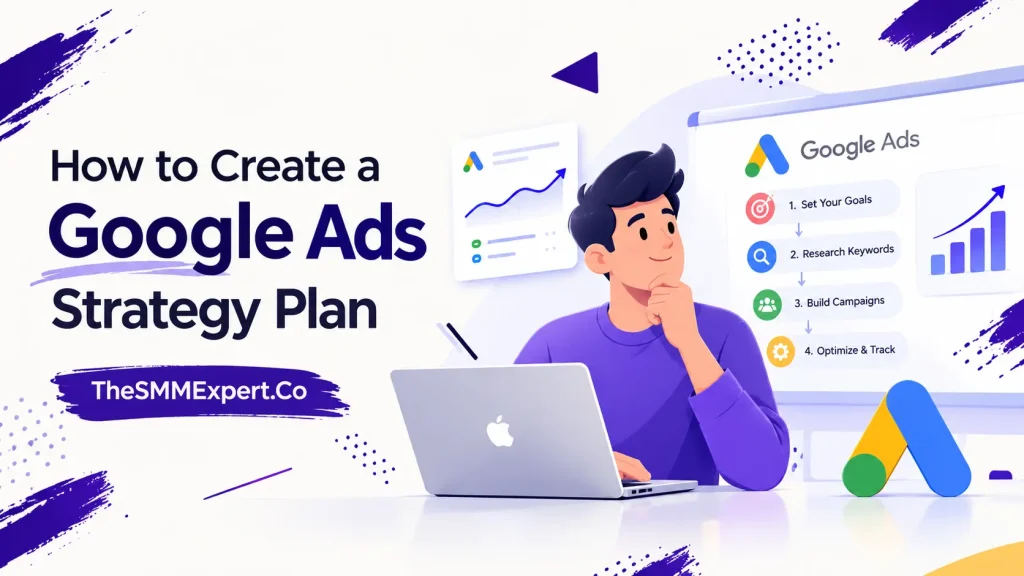
A google ads strategy plan should connect one business goal to one campaign structure, audience, offer, budget, and measurement system. Start with the result you need, then build campaigns around the searches that can produce it.
Your answer will change with your sales cycle, budget, conversion data, and account size. A local service business needs a different plan from an online store, and a new account needs tighter testing than an account with reliable data.
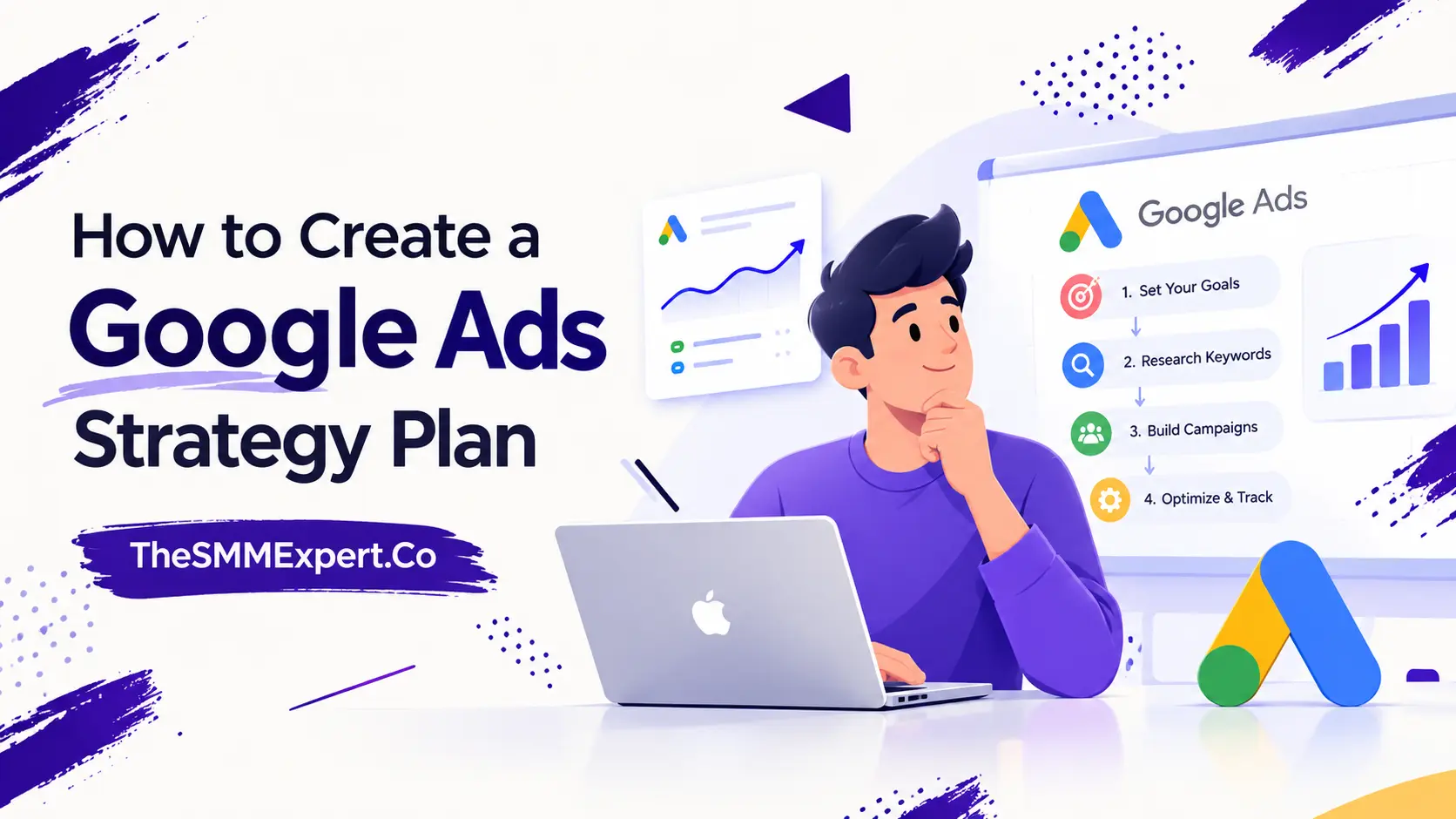
Google Ads strategy readers
A small business owner may have a website, a modest budget, and no conversion history. This reader needs a simple campaign plan, clear spending limits, and a way to tell whether leads are useful.
A marketing manager may already have Google Analytics, customer data, and several campaigns. This reader needs better budget choices, cleaner account structure, and tests that can be compared fairly.
An agency or in-house specialist may be managing several products, locations, or markets. This reader needs naming rules, reporting standards, and a process that can scale without hiding weak results.
This page serves the owner or marketer who has a working website and can edit Google Ads and conversion tracking. It assumes you can reach the person who handles your website or analytics when tracking needs technical changes. If you only need to boost one post or advertise a local event for a few days, a campaign-specific guide will suit you better.
What shapes the Google Ads plan
The business goal matters most. Choose sales, qualified leads, phone calls, store visits, or another result before choosing keywords. If you can’t name the action that makes money, pause campaign setup and define that action first.
Your conversion data changes the plan. An account with no trustworthy conversions needs controlled tests and manual checks. An account with stable purchase or lead data can use more automation. Check whether recorded conversions match real orders, calls, or signed leads before trusting bidding suggestions.
The offer and landing page also move the result. A clear price, service area, next step, and useful page can support paid traffic. If the ad promises something the page doesn’t show, fix the page before increasing spend.
Budget sets the testing speed. A small budget usually needs fewer campaigns and tighter targeting. A larger budget can test audiences, messages, and landing pages separately, but extra campaigns also divide data.
Changing several variables at once causes the most confusion. Keep the audience, offer, and landing page steady while testing one major change.
How to build a Google Ads plan
Start with a short written brief. Then build the account only after each step has a clear answer.
-
Write one primary goal. Use a sentence such as “Generate qualified roofing quote requests” or “Sell the blue running shoe.” A goal works when a person can point to the exact form, call, checkout, or booking that counts.
-
Choose one conversion action. Mark the action as a primary conversion in your tracking plan. Confirm that a test submission, purchase, or call appears in the correct Google Ads account before spending more.
-
Define the customer and service area. Write the customer type, location, language, device needs, and buying situation. Check the location settings and make sure they match where you can actually sell or deliver.
-
Set the offer and landing page. Match one main promise to one relevant page. Check the page on a phone, test the form, read the price or terms, and confirm that the next step is visible.
-
Group search themes. Create small keyword groups around one service, product, or intent. Separate “emergency plumber” from “plumbing course,” because the searcher needs a different message and outcome.
-
Write the ad message. Put the service, useful difference, and next action into the available fields. Read the ad beside the landing page. The wording should make the same offer clear in both places.
-
Set the budget and bid approach. Choose a daily budget you can afford for the test period, then record the amount in your plan. If conversion tracking isn’t reliable, don’t hand control to automated conversion bidding yet; fix tracking first.
-
Add exclusions and checks. Review negative keywords, locations, schedules, devices, and brand terms. Search the main terms yourself and check that the ad, business name, offer, and landing page are accurate.
-
Launch with a baseline. Record the date, budget, campaign settings, landing page, ads, and primary conversion. Make one change at a time after launch, so you can connect a result to a cause.
The key judgment is whether a conversion is valuable, not merely whether it was recorded. If a lead is incomplete or outside your service area, treat it as a tracking or qualification problem; if it’s a real opportunity, use it to judge the campaign.
Google Ads plan variations
Your starting condition should decide the structure, not a favorite campaign template.
| Situation | What to do | What it takes | What to watch for |
|---|---|---|---|
| New account, no data | Start with one goal | Close monitoring | Weak tracking signals |
| Local service business | Limit service areas | Lead review | Out-of-area calls |
| Online store | Group by product margin | Feed maintenance | Unprofitable sales |
| Several business goals | Separate campaigns | Clear reporting | Mixed conversions |
| Small daily budget | Keep structure tight | Fewer tests | Divided data |
| Strong conversion history | Test automation carefully | Clean data | Sudden quality loss |
Better Google Ads campaign details
Prepare before launch
A strong plan names the conversion before it names the keyword. Write down what a qualified lead means, who can accept it, and how the sales team will mark its outcome. This prevents cheap but useless forms from looking like success.
Experienced account work also starts with exclusions. Remove irrelevant services, locations, job seekers, students, or free-information searches when they don’t match the offer. The exact exclusions depend on the business, so read the search terms report and add words based on real mismatches.
Check signals during delivery
Review search terms, conversion quality, spend, and landing-page behavior on a fixed schedule that matches your budget and traffic. Don’t judge a low-volume campaign by one day of results. Compare the same time windows and record every major change.
Leave working parts alone while a test runs. Changing bids, ad copy, audience, landing page, and budget together may produce movement, but it won’t tell you why. The trade-off is slower learning in exchange for a result you can use.
Google Ads problems and fixes
Look at the search term, conversion record, and landing page before changing the whole account.
| What you notice | What it usually means | What to do first | How to stop it happening again |
|---|---|---|---|
| Clicks but no leads | Page or offer mismatch | Test the form | Match ad and page |
| Leads but poor quality | Targeting lacks intent | Review search terms | Define qualified leads |
| Spend rises quickly | Budget or reach expanded | Check campaign settings | Set spending controls |
| Few impressions | Narrow targeting | Review search volume | Broaden related themes |
| High clicks, low sales | Wrong buying stage | Separate research terms | Add intent exclusions |
| Conversions look duplicated | Tracking fires twice | Run one test action | Audit tags and imports |
Google Ads rules and limits
Google Ads policies decide whether an ad can run, and the rules differ by product, country, and sometimes audience. Review the Google Ads policy page for restricted content, prohibited practices, editorial standards, and destination requirements before launch.
Your ad must accurately represent the offer and lead to a functioning destination. Claims about health, finance, housing, employment, gambling, alcohol, and other regulated areas can have extra limits. Check the policy category that matches your product, not a general advertising checklist.
Location targeting isn’t a promise that every person in a chosen area will see an ad. Read the location settings in the campaign and compare them with your delivery needs. If the campaign needs legal review, regulated approval, or specialist tracking, stop and use a qualified compliance or technical professional.
Google Ads policies can change, and regional rules may apply. Use the current policy and appeal instructions inside your Google Ads account or on Google’s official policy pages for the market you’re targeting.
What a Google Ads plan costs

The main cost is ad spend, but the plan also uses staff time, landing-page work, creative work, analytics setup, and sales follow-up. A campaign with cheap clicks can still be costly when the leads take too much time or never buy.
Your daily budget should come from an amount you can sustain while collecting useful evidence. Compare the planned spend with gross profit per sale, close rate, refund rate, and lead-handling capacity. A higher budget buys faster testing, but it also increases the cost of a poor offer.
Management cost rises when you split a small budget across too many campaigns. If the account has little data, combine closely related themes and keep reporting simple. If products have very different margins or goals, separate them even though the structure takes more work.
Current click costs, taxes, and service fees depend on industry, location, competition, and settings. Check the budget, billing, and performance figures inside your own Google Ads account instead of using a generic online estimate.
Keep the Google Ads plan accurate
Save the plan with the campaign names, goal, audience, locations, landing page, primary conversion, budget, and launch date. Record every major change, including new keywords, exclusions, ads, bids, and page versions.
The plan needs attention when recorded conversions stop matching real sales or qualified leads. It also needs review when the offer, service area, prices, website, tracking code, or sales process changes.
Don’t restart from zero after a weak result. First compare the search terms, conversion path, ad promise, and landing-page action. If tracking is correct, keep the useful data and revise the weakest part; if tracking is wrong, repair it before judging performance again.
When a Google Ads plan isn’t right
This approach isn’t for a business with no working destination page, no clear offer, or no person who can answer new leads. Fix the website, offer, or sales process first, then plan paid traffic.
It also isn’t the right first move when the product is still untested and no customer demand is clear. Use customer interviews, organic search research, direct outreach, or a small market test before committing ad spend.
Don’t use this process alone for regulated claims or tracking changes that affect customer data. Stop at the policy or technical boundary and use a compliance specialist, qualified developer, or Google Ads support channel.
Frequently asked questions
Can I create a Google Ads strategy with a small budget?
Yes, but use one primary goal, one tight audience, and a small campaign structure. A small budget can’t support many separate tests at once. Keep a record of search terms and real conversion quality, then expand only after the first campaign produces evidence you can trust.
Why is my Google Ads strategy getting clicks but no sales?
Usually, the ad is attracting a different intent from the offer, or the landing page makes the next step difficult. Check search terms, mobile form completion, prices, service areas, and conversion tracking. If the recorded action isn’t a real sales step, change the measurement first.
How long should I test a Google Ads strategy?
Use a fixed test window long enough to collect comparable traffic, but don’t set a universal number of days. The right length depends on search volume, budget, sales-cycle length, and conversion rate. Judge after the planned evidence arrives, not after one unusually good or bad day.
Is it safe to use automated bidding in Google Ads?
Yes, when conversion tracking is accurate and the chosen goal matches the business result. Automation can follow the wrong signal if forms, calls, purchases, or imported conversions are duplicated or low quality. Check the conversion action and real customer outcomes before relying on it.
What happens if I change my Google Ads campaign every day?
Frequent changes make results harder to interpret and can interrupt a fair comparison. Change urgent errors, policy problems, or wasted spend quickly. For normal tests, record one main change, allow comparable traffic to collect, and compare it with the earlier baseline.
Does landing page quality matter for Google Ads?
Yes, because the page must support the ad’s promise and make the intended action clear. Check the page on a phone, test every form, and compare the offer with the ad. A relevant page can’t fix an offer that customers don’t want.
How much should I spend on Google Ads each month?
Use the budget your business can sustain while handling the resulting clicks and leads. Calculate it from profit per sale, close rate, lead capacity, and test needs. Google Ads billing and performance data will show actual spend, so don’t rely on a universal monthly figure.
Start your Google Ads plan
First, write one business goal and the exact conversion that proves it happened, such as a purchase or submitted lead form. Choose the action that creates value, not a page view or button click. If several actions matter, choose one as primary and keep the others for diagnosis.
Build the campaign structure, message, and landing page around that action. Before spending, complete the conversion yourself and confirm the platform records it once, without exposing unnecessary customer information. Record the success criteria before launch so reports don’t change halfway through the test.
Stop and get help if tracking, policy approval, or customer-data handling is beyond your skills.
 Written byMatthew WilliamsMatthew Williams is a digital marketing writer and social media expert with over 8 years of experience. He works with Facebook, Gmail, and online reputation problems. He writes clear, useful content to help people, creators, and businesses fix Facebook problems, keep their pages safe, and use Meta’s tools more effectively. His work talks about Facebook Ads, Business Manager, keeping your pages safe, growing your audience.