
Your 10 steps to create high performing ads are setting one goal, choosing one audience, shaping one offer, picking one channel, setting budget and dates, writing copy, making creative, matching the landing page, adding conversion tracking, and testing with rules. They make one promise visible, credible, and actionable. Each controls strategy, message, build, measurement, or the decision after first results. If one is weak, it burdens the next; don’t skip ahead because the ad manager lets you publish.
High-performing ad creation steps
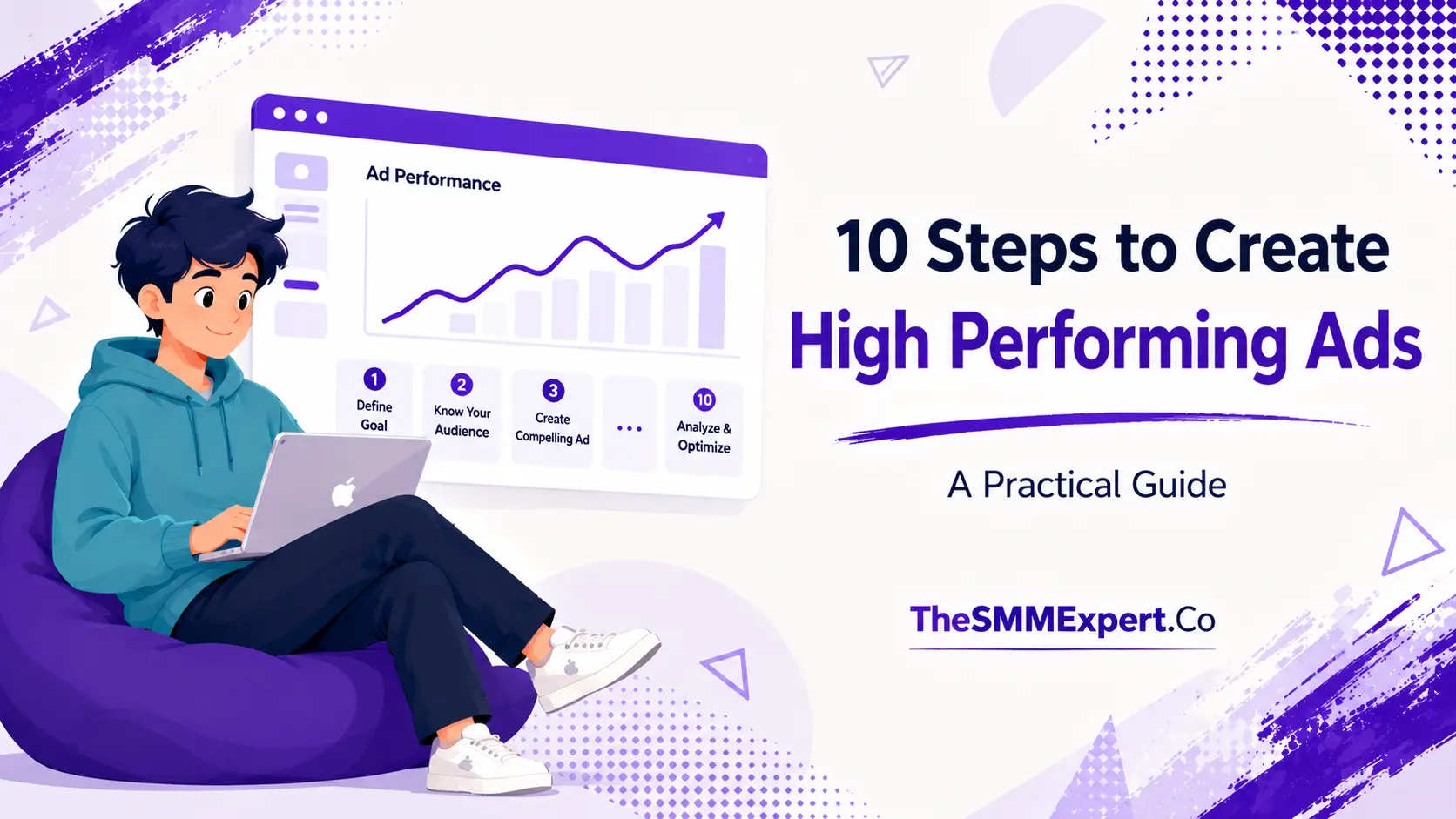
Use this table as the build order before you open the ad manager.
| Ad step | Best for | Real example |
|---|---|---|
| 1. Set one ad goal | Clear success measure | Lead form submission |
| 2. Choose one ad audience | Better message fit | Local homeowners |
| 3. Shape one ad offer | Stronger click reason | Free estimate request |
| 4. Pick one ad channel | Demand match | Google Search ad |
| 5. Set budget and dates | Spend control | Daily budget cap |
| 6. Write the ad copy | Clear promise | Book a demo |
| 7. Make the ad creative | Fast attention | Product video clip |
| 8. Match the landing page | Better follow-through | Same offer page |
| 9. Add conversion tracking | True result reading | Purchase thank-you page |
| 10. Test with rules | Cleaner decisions | Two headline versions |
Set one ad goal
Set one ad goal means you decide the one result the campaign must create before you write any ad. It suits you if you need a lead, sale, booking, download, or sign-up and you can name that result in plain words.
The goal should be written before platform settings, because default platform names can pull you toward the wrong measure. If the business result is a booked call, don’t let “traffic” become the main goal just because it’s easy to choose.
- Cleaner reporting: The success column matches the business action, so you’re not judging a lead campaign by likes or a sales campaign by reach.
- Sharper copy: The headline can ask for the exact action you want, such as “Get a quote” or “Start a free trial.”
- Better budget use: Money goes toward the result that pays back, instead of being split by mixed goals that never get judged the same way.
- Faster decisions: If the result doesn’t appear, you know where to look first: audience, offer, landing page, or tracking.
Changing the goal after launch costs you a clean read. The platform may still show numbers, but they won’t answer the same question you started with.
Example: set the campaign goal to “Lead” and count 1 completed “Book a demo” form as the conversion. Don’t count page views as the main goal for that campaign. That keeps the report tied to the action you wanted.
Choose one ad audience
Choose one ad audience does something the goal step can’t do: it decides who the message is for and who won’t see it. It suits you if different buyers care about different problems, prices, locations, or reasons to trust you.
If your offer solves a problem people already search for, start with that active demand; if they don’t know the solution yet, choose an audience based on interests, roles, or similar customers. A tight audience gives relevance, but a broader one gives the platform more room to find patterns.
- Cleaner message fit: You can speak to one problem in the buyer’s words, not a watered-down message for everyone.
- Fewer wasted views: The ad avoids people who are outside the service area, wrong role, or wrong need.
- Better creative choices: The image, proof, and tone can match what that audience already knows or fears.
- Easier exclusions: Current customers, job seekers, or support users can be removed when the platform offers that setting.
This process isn’t right if you plan to advertise to people you have no permission to reach or if your product can’t be promoted on that platform. Check the platform policy before you build, because a rejected audience or claim can delay the whole campaign.
Example: target homeowners within 20 miles of Phoenix for a roof inspection ad, and exclude current customers if the platform gives that option.
Shape one ad offer
Shape one ad offer means you turn the product into a reason to act now, not just a name or feature list. It suits you if people know the problem but still need a clear reason to click your ad instead of waiting. If your ad could fit any buyer, the offer is still too broad.
The limit is control: if you can’t approve price, discount, stock, delivery, or claim wording, stop and ask the person who owns that offer before launch. Don’t let the ad promise a result the landing page, sales team, or product can’t honor.
- More motivated clicks: The reader sees what they get, when they get it, and what action starts the process.
- Less confused traffic: The offer filters out people who only wanted information, not the next step you sell.
- Stronger page match: The same promise can appear in the headline, top page section, and action button.
- Cleaner sales handoff: The team knows what the ad promised, so the first reply doesn’t feel disconnected.
The trade-off is that a sharper offer can feel narrower. That’s useful when you need qualified leads, but it may reduce casual clicks from people who were only curious.
Example: use “Get a free estimate before Friday” only if the team can answer requests during that week and the landing page repeats that same wording.
Pick one ad channel
Pick one ad channel means you choose where the first campaign will run: Search, social, video, display, or another paid placement. It suits you if you already know where buyers look, ask, or scroll before they act.
Search gives you clearer intent, but less space for visual proof. Social and video give you more room to show the product, but they ask the creative to create interest before the click.
Start with one channel for the first read. Copying the same ad into every platform may save time, but it makes the report hard to trust.
- Better intent match: Search fits people already asking for the thing, while social can introduce a thing they didn’t search yet.
- Better format fit: A visual product may need video, while a local emergency service may need a text ad that answers fast.
- Better spend control: One channel makes the first report easier to read before you spread budget across more placements.
Example: use Google Search for “emergency plumber near me” demand, and use a short vertical video on Meta or TikTok when people need to see the product first. That split keeps the format matched to the buyer’s intent.
Remaining ad steps
The remaining steps turn the plan into a live campaign people can click and you can read. They’re shorter than the planning steps, but they’re where rushed work often hides.
- Set budget and dates: Decide the daily or lifetime spend before launch, not while the ad is already learning. Use the minimum daily budget the platform accepts if you’re testing a new idea; for a fixed event, set the end date before the event closes.
- Write the ad copy: Use 1 main message, 1 proof point, and 1 action line. This suits search and social ads because the reader sees the promise fast and doesn’t have to guess what to do next.
- Make the ad creative: Build the image or video around the first 2 seconds for video, or the first screen for an image. Reach for this when people need to see the product, result, use case, or setting.
- Match the landing page: Send clicks to a page with the same offer, same product, and same action. This matters when the ad says “free estimate” but the click lands on a general home page with no matching button.
- Add conversion tracking and test with rules: Set 1 primary conversion, then test 1 variable at a time. Use this when you need to learn without guessing; changing copy, audience, and budget together costs you the reason behind the result.
Choose your ad focus
The steps stay in order, but your main focus changes with your starting point. If you already have a clear offer, spend your time on Choose one ad audience and Pick one ad channel; if the offer is vague, fix Shape one ad offer before you buy traffic.
If you have only a short build window, use fewer moving parts. One goal, one audience, one offer, and two creative versions are easier to read than five versions launched at once.
| What limits you | Focus step | Amount or time |
|---|---|---|
| Short launch time | Set one ad goal | 1 goal, 1 offer |
| Small test spend | Choose one ad audience | 1 audience, 2 ads |
| Slow learning | Test with rules | 3-7 days if traffic comes daily |
Use the table as a pressure check, not as a reason to skip steps. If the limiting factor is data, Add conversion tracking comes before bigger spend, because a bigger budget only makes a bad read more expensive.
The Google Ads Help page for Google Ads conversion tracking says conversion tracking shows what customers do after they interact with your ad. Set it before launch, not after the first sale you can’t explain.
Your real cost per lead varies by platform, auction, offer, audience, season, and country; find your exact figure in the cost-per-result or cost-per-conversion column after the campaign has tracked actions to compare. You can combine the steps because they’re a build sequence; choosing a focus means giving one step extra care, not skipping the others.
Frequently asked questions
Use these answers when the ad is built but the next choice still feels unclear. Check the names inside your own ad platform, because labels can change by account and country.
Can I create ads without a designer?
Yes, you can create simple ads without a designer if your platform accepts your image or video size and the offer is clear. Use one plain product image, one short benefit, and one action line. If your brand has strict rules, use its approved colors, logo file, and wording. Hire a designer when the ad needs motion graphics, product retouching, or a full brand layout you can’t make cleanly.
Why are my ads getting clicks but no sales?
Clicks without sales usually mean the offer, landing page, price fit, or tracking is weaker than the ad. Check the landing page first: same offer, clear action, and no broken form. Then compare the audience with the buyer you really want. If payments fail, forms break, or tracking shows no test conversion after you submit the form yourself, stop and ask a developer or platform support before spending more.
How long should I run an ad test?
Run a simple ad test for 3-7 days if each version gets traffic each day and the budget stays active during that time. Change only one thing in that window, such as the headline or creative. If an ad gets 0 impressions, the problem isn’t the test length; check budget, audience size, bids, or policy status inside the ad manager.
Is it safe to use customer data in ads?
No, it’s not safe to upload customer data unless you have permission for that use and the ad platform allows it. Customer lists can be sensitive, and a platform upload screen isn’t the same as legal approval. For U.S. campaigns, privacy duties can vary by state and industry. If you’re unsure, use broad targeting or ask a qualified privacy or legal advisor before uploading.
What happens if I change my ad every day?
Changing an ad every day usually leaves you with weak learning, because you won’t know which change caused the result. Pick one change, write the date, and leave the other parts alone until the test window ends. The cost is a messy report: you may pause a good offer, keep a weak audience, or blame the wrong part of the campaign.
Does it matter which ad platform I use?
Yes, the ad platform matters because each one fits a different kind of demand, creative, and buying mood. If buyers already type the problem into Google, Search can be a cleaner start; if they need to see the product, a visual social platform may fit better. Don’t copy one ad unchanged across every platform; rebuild it for the specific placement.
How much money do I need to test an ad?
There isn’t one honest dollar figure; use the smallest daily budget your chosen platform accepts for your country and objective, shown on the budget screen before you publish. For a small test, keep the setup narrow: 1 goal, 1 audience, and 2 ad versions. If that budget can’t produce any tracked actions, fix targeting or offer before adding more money.
Start your ad plan
Write the four planning choices on one page before opening the ad manager, then build from that sheet without adding extra goals or audiences. If an ad is disapproved for a claim you don’t understand, stop and get help; changing words at random can make the account problem harder to fix. Next, enter each answer into the campaign.
