
To leave a Google review for a business, open Google Maps or Google Search. Then, type the name of the business and look for the “Write a Review” button under the business info. Click on it. Next, choose the star rating and type out your review. After that, post it. Your review will show up for everyone to see after you send it.
Today, most people look online when they need to pick a place to eat, a dentist, or a shop to fix something. People do not just ask friends. They check Google first. A study says that over 87% of people in the U.S. read Google reviews before they decide to buy something. If you have had a good or even a bad experience with a company, it is helpful to know how to leave a Google review for a business. This helps other people make better choices. It also helps local businesses build trust. This guide shows you how to write a review, one step at a time. You can follow it whether you use your phone or your computer. 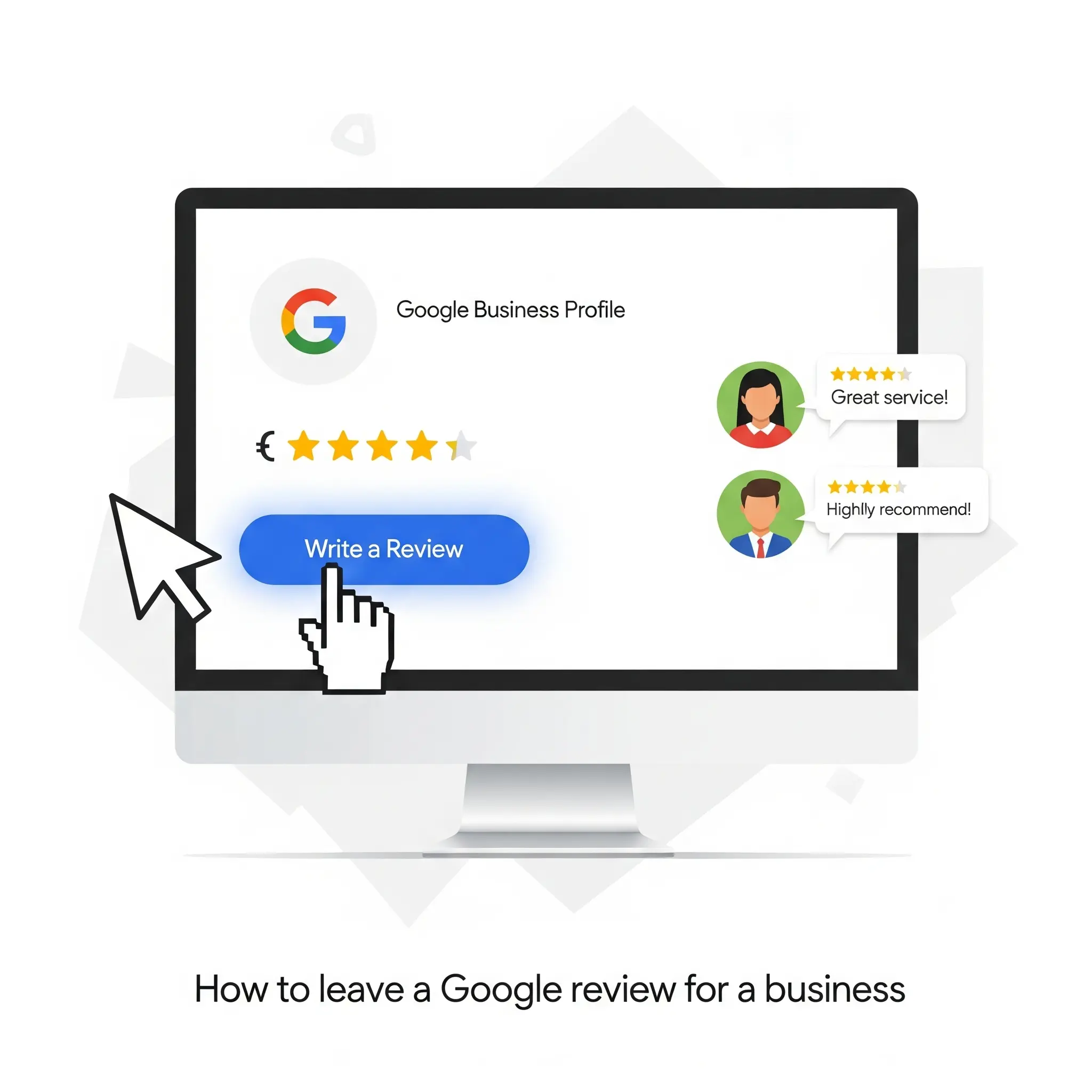
Why Are Google Reviews So Important?
Google reviews aren’t just feedback. They impact:
- Local SEO rankings (higher star ratings get more people to click).
- Consumer trust (4 out of 5 Americans say reviews help them decide what to pick).
- Business reputation (good reviews can help more people become customers, raising rates by 270%).
👉 A business that has many reviews will usually look more trustworthy than one with only a few reviews or none at all. That is why it matters when you leave your feedback.
How to Leave a Google Review for a Business
Leaving a review is not hard for most people. Let’s look at how you can do it on each device and in different cases.
How Do I Leave a Google Review on Desktop?
Here’s the step-by-step process on a computer:
- Open your browser and go to Google.com.
- Type the business name in the search bar.
- On the right side of the screen, you will see the Google Business info.
- Scroll down until you see the “Write a Review” button.
- Click on it.
- Pick a star rating (1 means bad, 5 means very good).
- Write your review in the text box.
- Click Post.
Done! Your review is now public.
How Do I Leave a Google Review on Mobile?
If you are using a phone like an iPhone or Android, you will follow almost the same steps.
- Open the Google Maps app or go to your browser.
- Type in the business name to search.
- Tap the business’s page.
- Go down until you see the Reviews section.
- Tap “Write a Review.”
- Pick a star rating and write your review.
- Tap Post.


Can I Leave a Google Review Without a Gmail Account?
No. You need a Google account to write reviews. But don’t worry—you can use:
- Gmail account.
- Google Workspace account.
- Or you can make a Google account by using an email that is not a Gmail one.
Tips for Writing a Helpful Google Review
 Want your review to really matter? Try these tips:
- Be specific: Talk about the service, the product, or the staff.
- Be honest: Tell about what happened to you. It can be good or bad.
- Add photos: Pictures help people trust your review.
- Keep it short & clear: A few lines work well.
- Be respectful: If things did not go well, stay professional.
“I went to ABC Dental in New York. The people who work there were very nice. Dr. Smith talked me through it all, so I knew what was going on. I only had to wait for 10 minutes. I think anyone who wants a calm dental visit should try it!”
How to Edit or Delete a Google Review
Yes—you can change your review later. To edit/delete on desktop:
- Go to Google Maps.
- Click the Menu (three bars).
- Select Your Contributions → Reviews.
- Find the review you want.
- Click Edit (pencil) or Delete (trash can).
On mobile, do the same steps in the Google Maps app.
Can I Delete My Google Review After Leaving It?
If you’ve reconsidered a review you left, you can change your mind. The process for deleting Google reviews is straightforward. Simply navigate to your review history, find the specific review you want to remove, and follow the prompts to delete it. This ensures your feedback reflects your current thoughts.
How Businesses Benefit From Reviews
When you write a review, you help other people who want to buy. You also help the business at the same time.
- Boost local SEO: If you get more reviews, your spot in search results goes up.
- Improve customer help: A business can talk to people and get better.
- Build trust: Places with 5 stars get more people to click.
👉 Do you want to know more about why reviews are important? Check out our guide on the importance of local reviews.
How Can a Google Review Impact My Business Name on Google My Business?
Leaving a Google review can significantly impact your business name on Google My Business. Positive reviews enhance your reputation, make your business more attractive to potential customers, and can even lead to improved rankings. Conversely, negative reviews might prompt you to consider whether it’s time to change your name on Google My Business.
How to Leave an Anonymous Google Review
Google does not let people leave reviews without showing their name. Every review shows a name from your Google account. But you can:
- Make your name shorter in your Google profile.
- Use just the first letters instead of to write your whole name.
Can I Leave a Review on Behalf of Someone Else?
No. Reviews need to be from your own experience. You cannot write one for someone else. This goes against Google’s rules and could be taken down.
Advanced Tips: Getting Your Review Seen
If you want your review to stand out:
- Include details (say what you got, and who was there to help you).
- Mention location (this is good to help your place show up in local searches).
- Add keywords in a way that feels smooth (for example, “best Italian restaurant in Chicago”).
- Use photos or videos to help more people see your post.
Conclusion
It takes less than a minute to leave a Google review for a business. The words you write can reach thousands of people. When you share your thoughts, you help build trust. Your reviews help these businesses to get better. You also help make your community stronger. So the next time you use a service and you feel good or bad about it, do not keep it inside. Go and leave a Google review. If you own a business, you may want to find ways to grow your credibility quickly. One way to do this is to Buy Google Reviews. This can help you get more people to see you online.
FAQs: How to Leave a Google Review for a Business
1. Do I need a Google account to leave a review? Yes. You have to sign in to Google with a Gmail or an account that is linked to Google. 2. Can I leave a review without using my full name? Yes, but you will have to change your Google profile name first. 3. How long does it take for my review to appear? Usually instant, but sometimes up to 24 hours. 4. Can a business delete my review? No, businesses can reply to reviews, but only Google can take them down. This happens if a review breaks Google’s rules. 5. Can I edit or delete my review later? Yes. Go to Google Maps. Then, tap Your Contributions. Next, go to Reviews. You can edit or delete them there. 6. Why can’t I see my review? It might be waiting, marked, or stopped by Google’s spam checker.

